Email Authentication
| Vulnerability type | Protocol or configuration flaw |
|---|---|
| Primary impact | Spoofing and impersonation |
| Common protocols involved | SPF, DKIM, DMARC |
| Typical root cause | Misconfiguration or absence of policies |
| Primary control | Proper configuration of authentication protocols |
| Detection method | Email header analysis and policy lookup |
| Remediation action | Deploy and correctly configure SPF, DKIM, and DMARC |
Origin and history
Email authentication is a set of technical standards and protocols developed to combat the forgery of email sender addresses, a foundational vulnerability of the original Simple Mail Transfer Protocol (SMTP). The core protocols were created primarily in the United States by various internet engineering groups in the late 1990s and early 2000s. The first widely considered standard, Sender Policy Framework (SPF), was first documented around 2000 as a concept to allow domain owners to specify which mail servers could send mail on their behalf. DomainKeys Identified Mail (DKIM), which uses cryptographic signatures, emerged shortly after, with its predecessor DomainKeys proposed in 2004. The final major component, Domain-based Message Authentication, Reporting, and Conformance (DMARC), was introduced in 2011 to provide a policy framework for how receivers should handle emails that fail SPF or DKIM checks. These developments were direct responses to the escalating problems of spam and phishing, which exploited SMTP's inherent lack of sender verification.
What it is for
Email authentication exists to solve the fundamental problem of email spoofing, where malicious actors send emails that falsely appear to come from a trusted domain. Its primary purpose is to provide receiving mail servers with a reliable mechanism to verify that an incoming email is genuinely authorized by the domain owner listed in the "From" address. This verification is crucial for defending against phishing campaigns, business email compromise (BEC), and other forms of email fraud that rely on impersonation. By enabling domain owners to assert control over their email ecosystem, these protocols help protect both brands and recipients. Furthermore, widespread adoption of email authentication improves the overall deliverability of legitimate email by helping inbox providers separate authentic mail from forgery. It serves as a critical trust signal for email filtering systems, forming the basis for more advanced threat detection.
Overview
Email authentication is not a single tool but a suite of complementary protocols: SPF, DKIM, and DMARC. SPF works by publishing a DNS TXT record that lists the IP addresses of mail servers permitted to send email for a specific domain, allowing receivers to check if the connecting server is authorized. DKIM adds a layer of cryptographic validation by attaching a digital signature to the header of an outgoing email, which is verified by the recipient using a public key published in the domain's DNS records. DMARC builds upon SPF and DKIM by allowing domain owners to publish a policy in DNS specifying how receivers should treat emails that fail authentication checks, such as quarantining or rejecting them. DMARC also provides a reporting mechanism, sending feedback to domain owners about messages claiming to be from their domain, including those that pass or fail authentication. Together, these three protocols create a defense-in-depth approach to verifying email sender identity and establishing domain-level accountability.
What to know
Implementing email authentication requires precise DNS record configuration and ongoing management, as errors can cause legitimate email to be rejected. SPF records have a strict limit of ten DNS lookups, and complex infrastructure can easily exceed this, leading to authentication failures. DKIM relies on generating and securely storing private keys, with the corresponding public keys published in DNS; key rotation is a necessary security practice but must be handled carefully to avoid delivery interruptions. DMARC policies start in monitoring mode (`p=none`) to collect data without affecting delivery, allowing administrators to identify and correct configuration issues before enforcing a reject policy. A common point of failure is alignment, where the domain checked by SPF or DKIM must match the visible "From" domain presented to the user, a requirement for DMARC to pass. Understanding that email authentication is a necessary but not sufficient control is critical, as it authenticates the domain, not the human sender, and does not scan email content for malicious links or attachments.
Common questions
Can email authentication stop all spam and phishing emails? No, it specifically targets domain impersonation, but many malicious emails originate from compromised legitimate accounts or newly registered domains, which will pass their own authentication checks. What happens if I only implement SPF or DKIM but not both? While implementing either provides some benefit, using both is strongly recommended as they protect against different types of forgery, and DMARC requires at least one to pass for enforcement. How long does it take for DNS changes for these records to take effect? DNS propagation typically occurs within minutes to hours, but some mail receivers may cache records for longer periods, meaning full global effect can take up to 48 hours. Is email authentication difficult to set up? The basic principles are straightforward, but implementation can be complex for organizations with numerous third-party email senders, requiring careful inventory and coordination. Do I need email authentication if I only send a small volume of email? Yes, because attackers often spoof small domains to appear less suspicious, and many major email providers now require some form of authentication for reliable delivery. What is the difference between DMARC quarantine and reject policies? A quarantine policy (`p=quarantine`) typically directs failing emails to the recipient's spam folder, while a reject policy (`p=reject`) instructs receiving servers to block the email at the network boundary.
Pros and cons
The primary advantage of email authentication is that it establishes a verifiable technical standard for sender identity, significantly raising the barrier for direct domain spoofing and improving trust in email as a communication channel. It provides clear, actionable feedback through DMARC reports, allowing domain owners to see exactly who is sending mail using their domain and identify unauthorized sources. A significant con is its complexity in real-world deployment, especially for large organizations with diverse email streams from marketing platforms, CRM systems, and partners, leading to misconfigurations that can silently drop legitimate email. Many organizations regret implementing a DMARC reject policy too hastily without a thorough analysis of report data, causing critical business communications to be lost. The common mistake is treating implementation as a one-time project rather than an ongoing process of monitoring, adjusting records for new services, and rotating DKIM keys. Furthermore, a false sense of security can arise, as users and administrators may incorrectly believe authenticated email is inherently safe, overlooking threats from authenticated but compromised accounts or sophisticated attacks that pass alignment checks.
Who it suits
Email authentication is a fundamental and non-negotiable requirement for any organization that owns a domain and sends email, regardless of size or sector, as it is a baseline defense for both the brand and its correspondents. It is particularly critical for financial institutions, e-commerce platforms, healthcare providers, and government agencies, which are high-value targets for phishing and impersonation attacks. Organizations with a strong public brand reputation have a direct incentive to implement strict DMARC policies to prevent damage from fraudulent emails that appear to come from them. IT and security teams with the capacity for ongoing DNS management and the analysis of technical reports are best positioned to manage the implementation lifecycle effectively. Conversely, very small organizations or individuals with simple, single-source email sending may find the initial setup more straightforward but still must understand the principles to ensure their own email is delivered reliably and not used as a spoofed vector.
Latest Email Authentication news
Latest reporting

Former Air Force members sentenced for BEC
Two former US Air Force members stationed at Dover Air Force Base have been sentenced to a combined 189 months in prison for a business email...

Phishing Campaign Abuses Microsoft 365 Direct Send Feature
A phishing campaign exploiting Microsoft 365's Direct Send feature sent nearly 30,000 emails, primarily during US Eastern business hours, to bypass...

Stolen AI Session Tokens Bypass MFA in Infostealer Campaign
Threat actors are using stolen session tokens and API keys from infostealer logs to bypass multi-factor authentication and hijack AI service accounts...
MikroTik Routers Hijacked via Internet-Exposed SSH
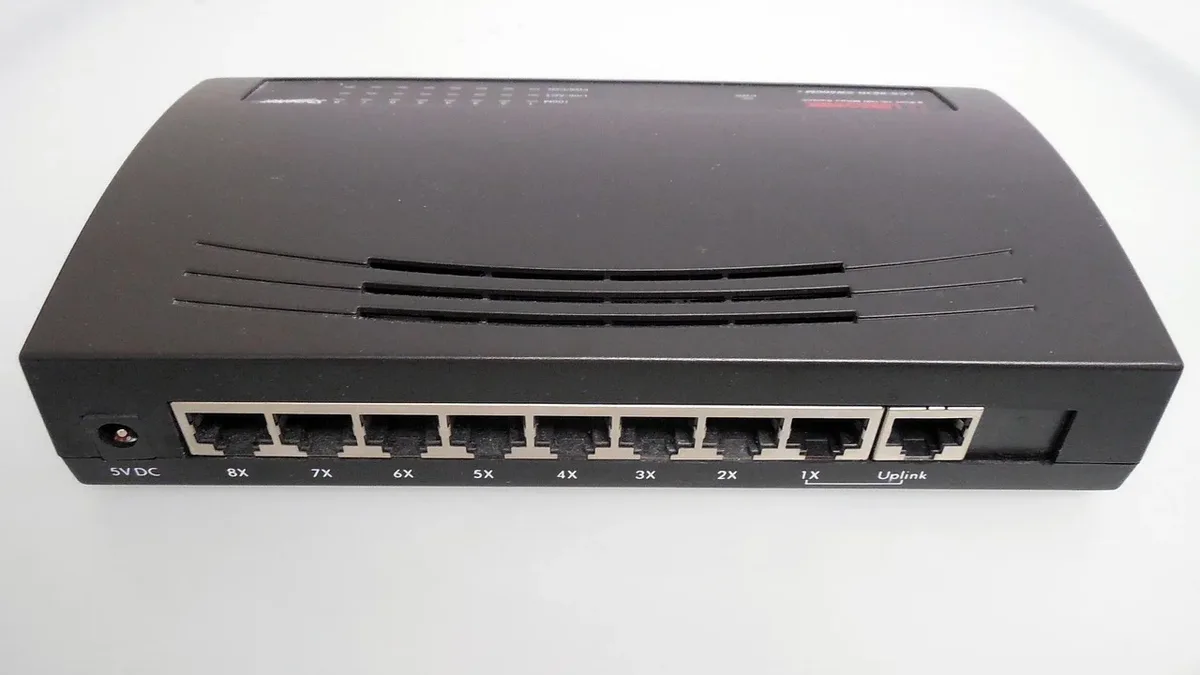
Attackers are exploiting MikroTik routers with internet-exposed SSH services to gain full administrative control without authentication, according to...

Microsoft Warns of High-Volume Phishing Campaign Using
Microsoft has alerted of a phishing campaign using invisible Unicode tag characters to split financial keywords and evade email filters, with peak...

Critical JFrog Artifactory Flaw Exploited
Threat actors are exploiting CVE-2026-82329, a critical authentication bypass in JFrog Artifactory, to mint administrator tokens.